20 things to do instead of scrolling, for the moment you're in
Find things to do instead of scrolling that fit your time, energy, and surroundings. Use 20 practical ideas and a simple card to choose your next step.
By EasePublished 8 min read
Prepared with AI assistance. Sources and limitations are linked below. View sources ↓
You close an app, put your phone down, and then realize you haven't decided what comes next. A book sounds good in theory. Right now, even choosing one feels like effort.
The most useful things to do instead of scrolling are things you can actually start where you are. If you're tired, listen to one familiar song or sit quietly for a moment. If you want company, send someone a specific message. If you have more energy, pick a small activity with an obvious first step: sketch the mug beside you, read a page, or prepare something to eat.
Start with one choice. You can leave the rest of this list for another day.
Choose an activity that fits the next few minutes
Before choosing, ask yourself:
How much time do I have? A waiting room and a free evening call for different ideas.
What kind of effort sounds manageable? Choose something seated or familiar when energy is low.
What do I have nearby? Pick a no-equipment option if finding supplies would become a project.
What am I hoping for? Company, entertainment, a break, or something to occupy my hands?
The time windows below are rough ways to browse the ideas, not measured completion times. Stop whenever you want. There is no requirement to make every spare moment productive.
When you're tired or only have a few minutes
These choices work seated and need little preparation.
When you want something to do with your hands
Choose one of these if you have a little more time and the materials are already nearby.
When you want connection or a change of scene
Some of these use your phone on purpose. Choose the interaction you want before opening an app.
When you have a longer stretch to enjoy
Pick something you already want to do. You don't need a self-improvement goal.
Make one alternative easy to begin again
You may read this list, like several ideas, and still open the same app tomorrow. A list doesn't automatically change a routine.
Habit research offers some context. In two laboratory experiments involving a computerized sushi-making task, researchers found that practice strengthened associations between context and responses. Those experiments didn't test phone scrolling or this activity list. They support a narrower point: repeated actions can become linked to familiar circumstances. Labrecque, Lee and Wood.
For a practical experiment, choose one moment you recognize—waiting for dinner, sitting down after work, or a quiet weekend morning—and prepare one alternative for that moment. Leave the book nearby. Put the craft where you usually sit. Decide which friend you'd like to contact.
If the activity turns out to need too much energy or equipment, change the activity. That tells you something useful about the choice; it isn't a verdict on your discipline.
You can also make the phone route more direct. If you often open a feed while looking for music or messages, our minimalist iPhone Home Screen guide explains how to arrange the tools you want within easy reach. A different layout is a practical option to try, not a guarantee that you'll scroll less.
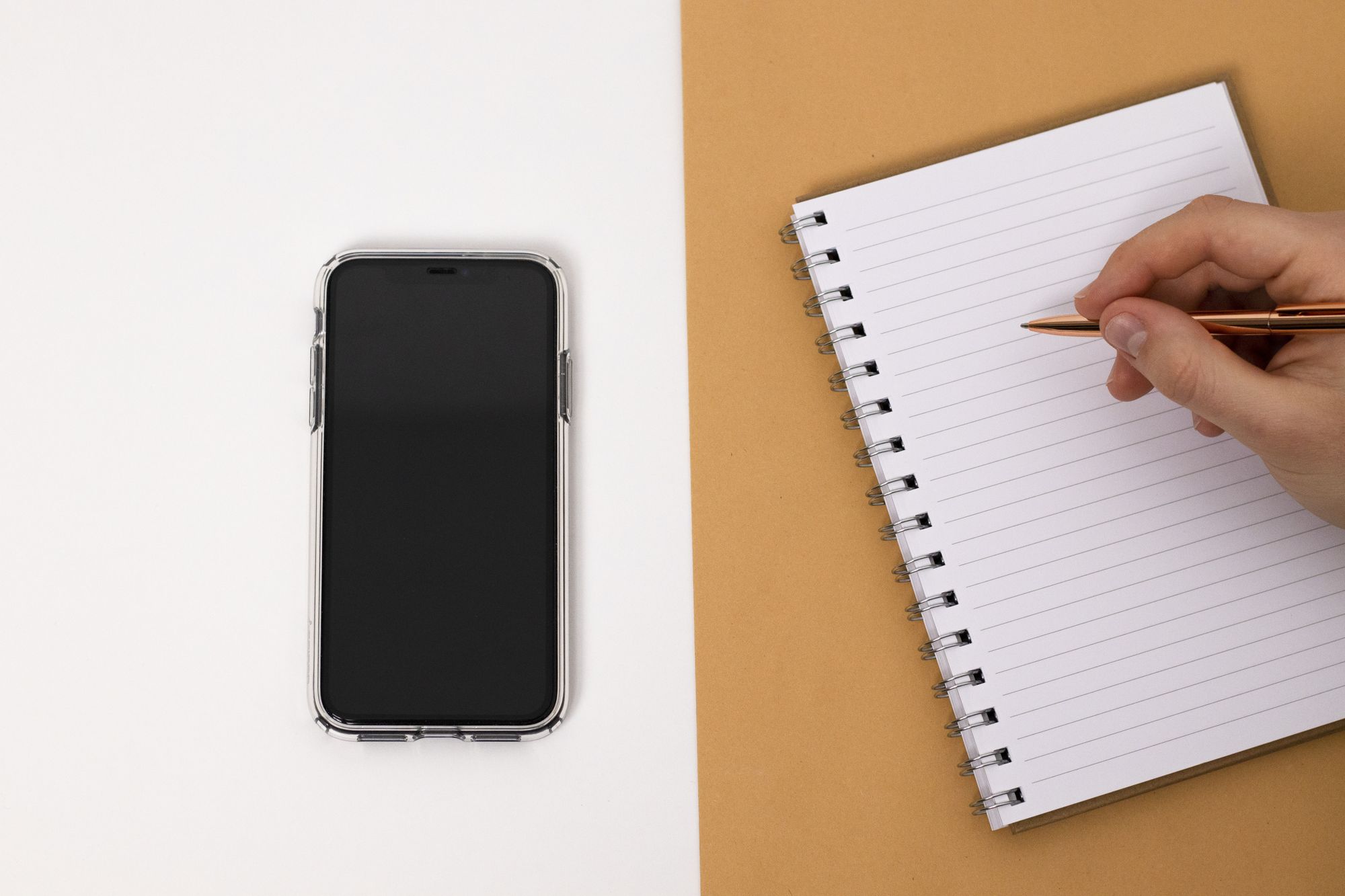
Copy these lines onto paper or into a note. Fill them with choices you would want on an ordinary day:
When I'm tired: __________
My first step: __________
When I want company: __________
My first step: __________
When I have time to enjoy something: __________
My first step: __________
For example: “When I'm tired, I'll listen to one familiar song. My first step is opening the saved album.” Keep your version somewhere you'll notice it. There is no streak to maintain and no form to submit.
A few common questions
Prepared with AI assistance. Research sources and their limits are identified in the text; these activities have not been tested as a behavior-change program.
Explore Ease: Interested in a simpler iPhone setup, too? See what we're building with Ease, our iPhone app in development.
Build a minimalist iPhone Home Screen, manage notifications, and choose optional app limits. Includes an essentials checklist and ways to undo changes.