Start with one moment when you keep checking your phone without wanting to. Notice what happens just before it, choose one small change for that situation, and keep the calls and tools you need easy to reach.
That gives you something specific to work on. “Stop checking my phone all the time” is a difficult instruction to follow through an entire day. “Finish reading this email before opening messages” gives you a decision you can recognize.
You might already know the moment. You finish a task and pick up your phone before starting the next one. You look for a reply, find nothing, and open another app. Or you unlock the screen and realize you have no idea what you wanted.
A checking habit is one possible explanation. Researchers have described brief, repeated visits to changing information on a phone, and found that a quick check sometimes led to other phone activity.
Research: Habits make smartphone use more pervasive: This research describes checking habits and occasions when checks led to further use. It did not test the practical plan in this article.
Checking can also happen without a notification or a particular task in mind. A 2023 paper examined this tendency through a questionnaire, treating it as an everyday behavior rather than assuming it was a disorder.
Research: Digital daydreaming and spontaneous smartphone checking: This paper developed a self-report measure of spontaneous checking. It does not establish the effectiveness of these practical changes or explain any individual’s behavior.
Those studies help describe the pattern. They don't establish that the suggestions below will work for everyone. Treat the following steps as a way to try an arrangement, notice what changes, and adjust it.
1. Pick one check you want to change
Choose a situation where checking regularly takes you away from what you meant to do. It might be the pause between work tasks, the first few minutes after sitting on the couch, or the moment after you've replied to a message.
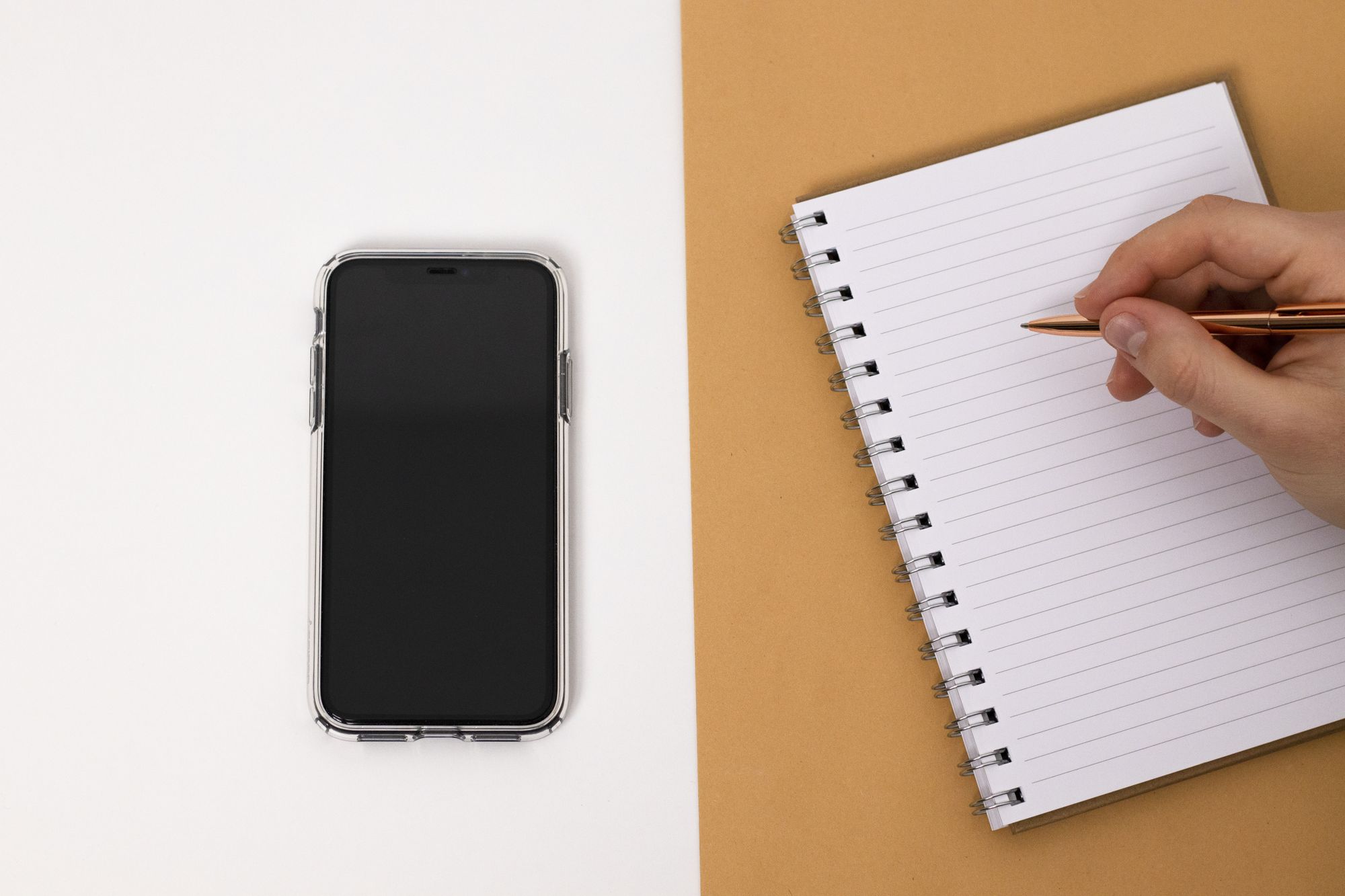
For a few occurrences, notice what came before the check and where it took you. A short note on paper is enough.
For example:
“Finished an email. Opened messages. No reply. Opened a feed. Lost track of what I was doing next.”
Your own note might show something quite different: you needed a break, you were waiting for important news, or you opened the phone to do something useful and got sidetracked.
Find the part that bothers you. You may want to keep checking messages while changing the move from messages into a feed. Or you may want a pause after work without spending that pause on your phone.
Keep the observation simple. Recording every pickup would add another task to your day. One recurring situation is enough to choose a first change.
2. Match the change to what starts the check
If an alert starts it, look at that particular alert.
Perhaps a shopping app interrupts you even when you aren't buying anything. Perhaps a group chat lights up repeatedly while you're working. Try quieting an alert you don't need immediately, while keeping a reliable way for important people to reach you.
If there's no alert, turning off more notifications may leave the actual pattern untouched. Focus on the moment when you reach for the phone.
You could give it a regular place during one activity: beside the door while you make dinner, or in a bag during a task that doesn't require it. Choose a place that still lets you receive anything necessary. Then see whether the arrangement changes those unplanned pickups.
If the first thing you see after unlocking draws you into an app, try moving that app away from your first Home Screen. Keep the apps you need there. The extra step gives you a point to decide whether you want to open it, although it may make little difference for you.
Minimalist iPhone Home Screen guide: For the setup details, explore app placement, notifications, and keeping essential tools accessible.
Pick the change that fits your sequence. Rearranging the whole phone at once makes it harder to tell which part was useful.
3. Give a useful check an ending
Some checks belong in your day. You need the train time, an address, a reply, or a code to sign in.
Before unlocking, name the task in a few words: “Check when the train leaves.” Once you've found the answer, put the phone down or make a separate decision to keep using it.
This is especially useful to try when the problem begins after the original task is finished. You can keep the useful check and experiment with its ending.
For example, if checking an arrival time usually turns into browsing, try this sequence:
Open the travel app → read the time → close the phone → return to getting ready.
See whether that ending helps you notice the point where you usually drift into something else.
If you realize you've already been browsing, you can stop there. You don't have to wait for the next video or find something worth having opened the app for.
4. Leave room for the break you actually want
A plan can look sensible and still be inconvenient to live with. If the phone is how you take a break after a demanding task, putting it away leaves a question: what would you enjoy doing in that moment?
Choose something you would willingly do. You might step outside, get a drink, read a few pages, or keep listening to music without opening another app. A short pause can also stay a pause.
Using your phone for entertainment is an option too. You can decide to watch something or talk to a friend and still want fewer unplanned checks during the rest of the day.
Keep necessary access in the plan. A parent waiting for a school call, someone on call for work, and someone expecting a delivery will need different arrangements. Before silencing anything, check that the contact you need can still get through. Keep health alerts, authentication, and accessibility or communication tools available too.
5. Check whether the change fits
Try your chosen change in the same situation for a few days. That is a manageable review period, not a promise about how long it takes to change a habit.
Ask whether you noticed the check sooner and whether you got back to what you wanted to do. Also notice anything that became harder, such as finding an app, receiving an important message, or taking a needed break.
Total screen time may tell you less about this particular goal than the situation itself. A long planned call and several unwanted checks between tasks are different experiences. Look at the experience you meant to change.
If you kept reaching for the phone, use that information. Maybe the new location was impractical. Maybe an app moved out of sight was still the first one you searched for. Maybe you needed a clearer next step in the task you were leaving.
Keep what helped, adjust what didn't, and undo anything that makes an important part of your day difficult.
A small plan for the next check
You can write your first experiment in four lines:
- The moment I want to change:
- What I usually open, and what happens next:
- One thing I'll try differently:
- What I still need my phone to do:
Keep the note somewhere convenient, then return to it after you've tried the change a few times.
For your next unplanned check, pause long enough to name what you want. If there's something useful or enjoyable you'd like to do, choose it. If there isn't, you can leave the phone where it is.
Explore Ease: See Ease’s current availability.
Sources & further reading
- Oulasvirta A, Rattenbury T, Ma L, Raita E. Habits make smartphone use more pervasive. Personal and Ubiquitous Computing. 2012;16(1):105–114. First published online June 16, 2011. Checked Oct 21, 2026
- Berntsen D, Hoyle RH, Møller DM, Rubin DC. Digital daydreaming: Introducing the spontaneous smartphone checking scale. Applied Cognitive Psychology. 2023;37(1):147–160. Checked Oct 21, 2026