Your essentials,
together.
 ease
Download
Keep what matters close.
Make a little space for everything else.
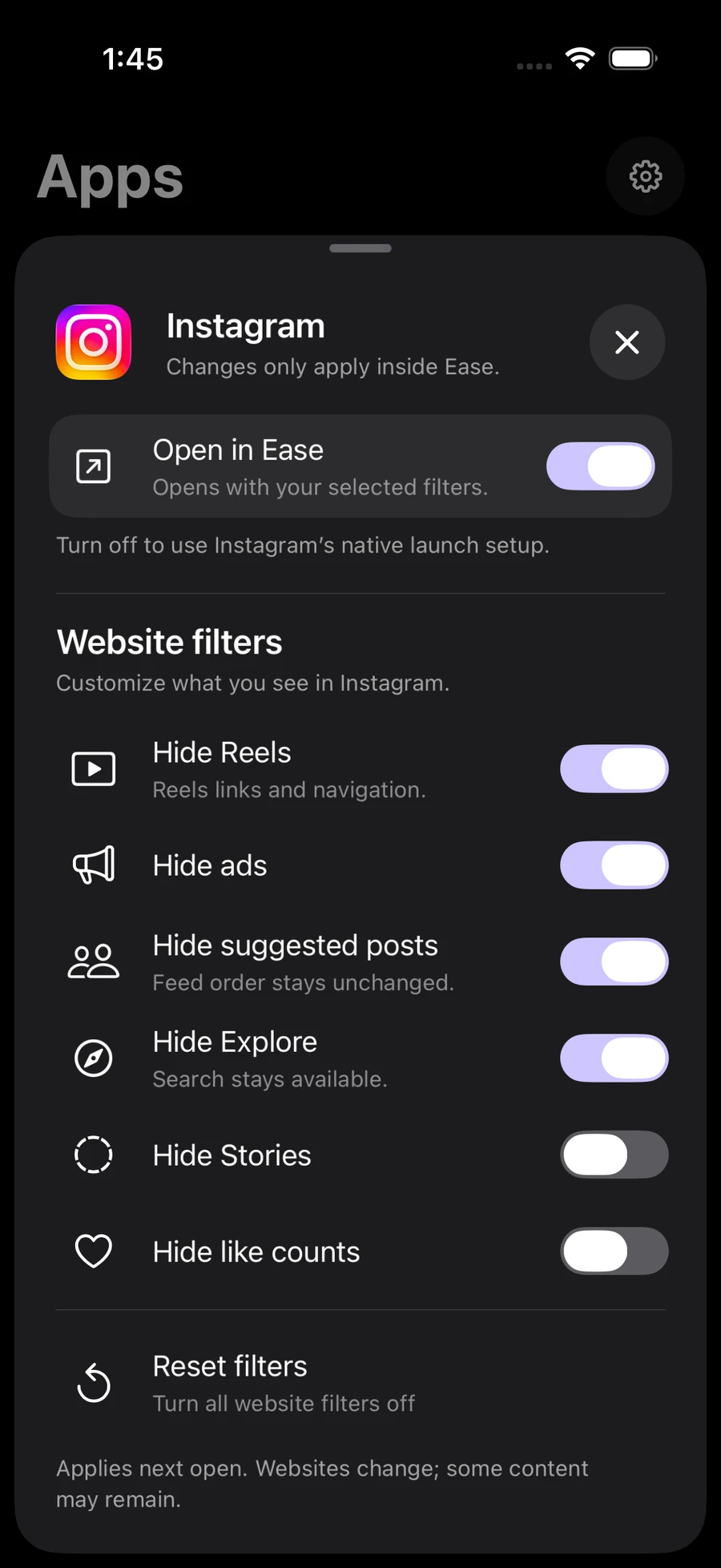
Filters work inside ease. Some content may remain.
App blocking uses Apple Screen Time.
“I just wanted my messages, maps and the stuff I actually use. ease made it easy.”
“I still want my social apps. The other iPhone dumbphone apps I tried didn’t offer that. ease gives me a good balance.”
“When I’m trying to focus, I just flip it into dumbphone mode. It’s great!”
The essentials, explained.
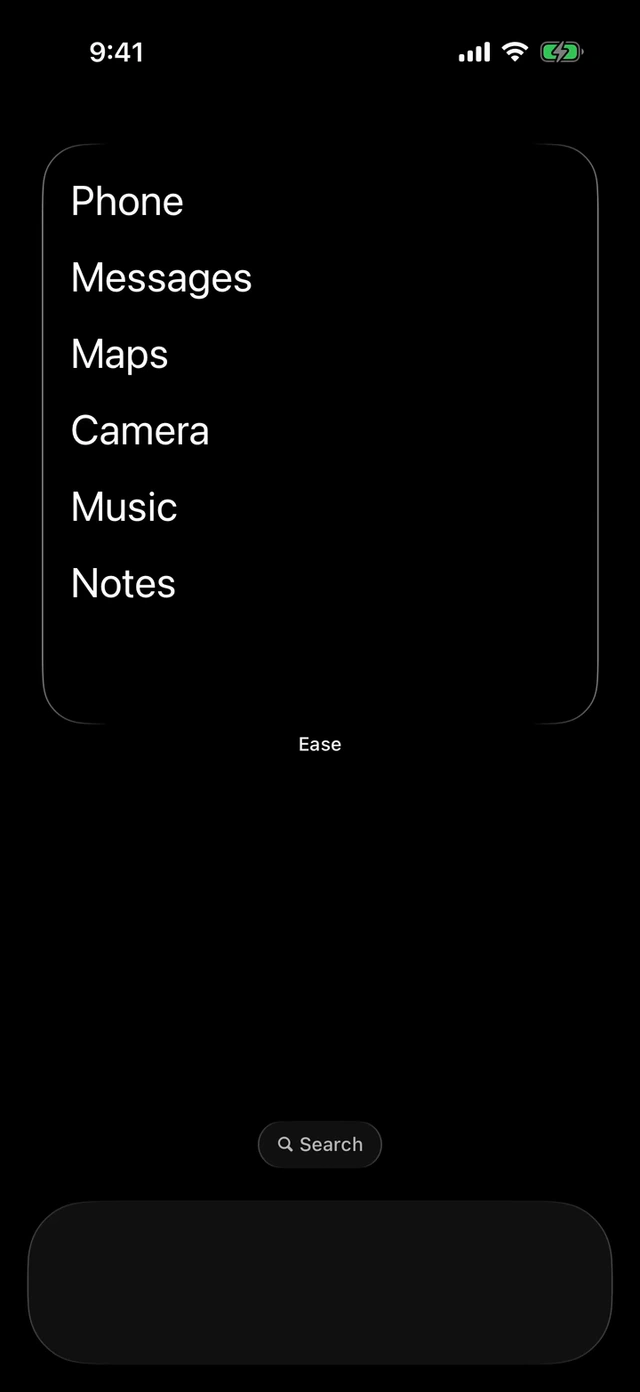
ease helps you make your iPhone less distracting with simple Home Screen widgets, social website filters and app-blocking rules.
Choose your apps and appearance in ease, then add your widget through your iPhone’s Home Screen widget menu. You stay in control of the layout.
Yes. Your apps stay installed and available in the App Library. You decide which apps to limit and when.
Open a supported social website inside ease and choose what to hide, such as Reels or suggested posts. Filters apply inside ease only, and some content may remain.
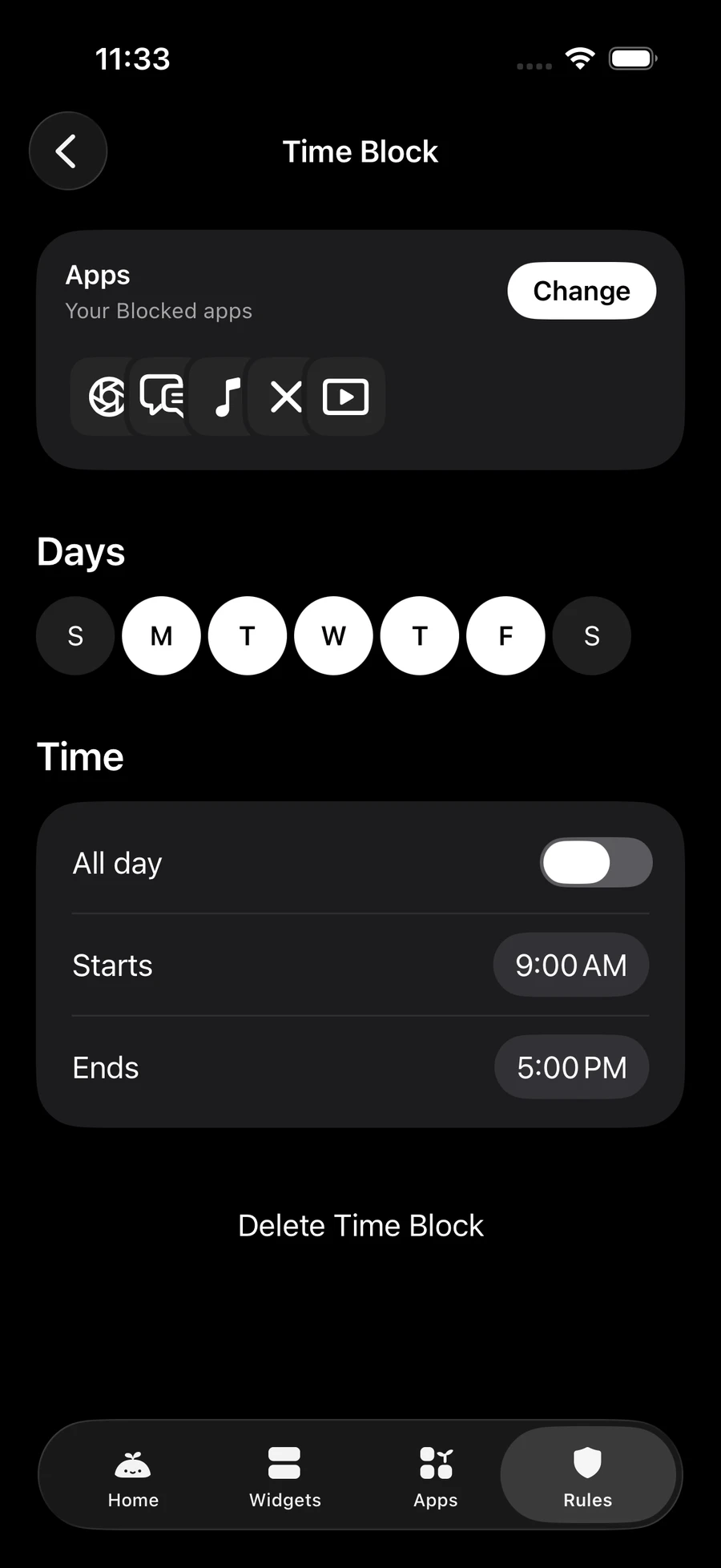
Choose apps, days and times in Rules. With Screen Time connected and blocking enabled, Focus can also block your selected apps for a timed session. Otherwise, Focus runs as a timer.
App blocking needs Apple’s Screen Time permission. Optional widgets may also ask for Calendar access or your location for weather.
Keep what matters close. Make room for everything else.
Get ease for iPhone